Edit the text in a PDF without moving anything else
Fix a typo, a date or a name in a document you already have. The finished page is shown to you before you pay for it.

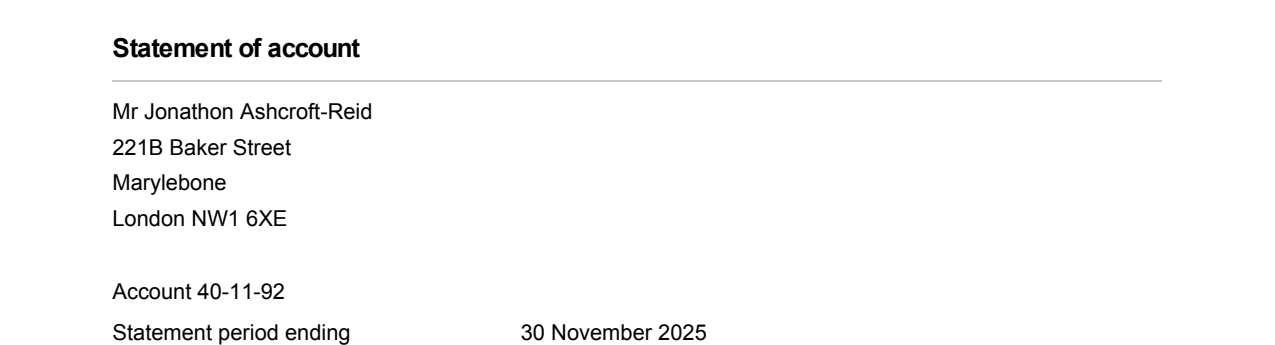
Nothing else moves
Every character outside your edit is compared against the original page after the change. If any of them shifted, the edit is cancelled and you are told exactly why.
The document's own font
The new characters are written with the font already embedded in your file, so they match the text around them exactly.
You see it before you pay
The finished page comes back as a picture you can look at first. Pay only if it is what you wanted.
Edit the text in your PDF
-
1
Choose your document
-
2
Say what should change
-
3
See it, then download it
How to use it
Under two minutes, and you can stop at any point without paying for anything.
Choose your PDF
Drop the file in, or pick it from your computer. It is read straight away and you see how many pages it has, how much text, and whether its fonts can take new text.
Type the text exactly as it appears now
Copy it out of the document if you can, spaces and all. Then type what it should say instead, and set the page it is on.
Check before you decide
Press Check first. You get every place that text was found, the font and size at each one, and whether the change can be made there. This costs nothing.
Look at the result, then download
The edited page comes back as a picture with the change highlighted. Compare it against the original, and if it is right, download the PDF.
Why PDF edits usually go wrong
A PDF does not store paragraphs. It stores instructions for drawing each character at a fixed position, using fonts carried inside the file. Nothing in the format knows those characters form a sentence, so there is no sentence to edit.
Tools work around this in one of two ways. Some rebuild the page from what they think they see — and the layout comes back subtly wrong, with different line breaks and a font that is not quite yours. Others paint a white rectangle over the old words and draw new ones on top, which looks fine until someone selects the text, searches it, or opens it in a reader that draws the layers in a different order.
This does neither. It changes the drawing instructions themselves, in place. How that works, including how the spacing is kept.
One document
$2each
- No subscription and no account
- Every correction that document needs
- Checking is free, always
Ten documentsBest value
$10$1 each
- No subscription — buy once, use whenever you need them
- They do not expire
- Half the price of buying them one at a time
What it cannot edit
Some documents and some edits are out of reach, and it says so before you spend anything.
- Characters the document's font does not carry. A PDF usually embeds only the characters it actually uses, so a heading font may hold forty of them and no more. Rather than swap in a font that looks nearly right, it tells you which characters are missing and which ones that font does have.
- Scans. A page that is a photograph of a document holds a picture of text, not text. Turning that back into a document is a different job.
- Rewriting a paragraph. Replacing five words with twenty means laying the page out again. This replaces text within the room its line has.
- Documents that need a password to open. Open it in a reader with the password, save an unlocked copy, and bring that.
A signed document can still be edited, and you are told what that means: the copy no longer matches the signature it carries, so keep the original if you may need to show it is untouched.
Questions
Will the rest of my document change?
Does it need the same font installed on my computer?
Can it edit a scanned document?
Do I need an account?
What happens to my file?
Can I edit a bank statement or an invoice?
What you can change
Change any text
Swap a phrase for another one, in the font already there.
Fix a typo
A word came out wrong and the rest of the page is fine.
Change an address
Three or four lines of an address block, changed together.
Change a date
A date that needs to read differently, without shifting the line.
Change a name
A misspelt name, or one that has changed since.
Keep the same font
Replace text without a font substitution anywhere on the page.
Change a number
An amount, a reference, an account number — digits for digits.
Remove a word
Remove text without breaking the layout.
Add a signature
Put a signature image on the page without covering what is under it.